Short answer: A Zoho Books reconciliation that won't reach zero usually has one of a few causes: no opening balance for the account, a manually added payment that duplicates a cleared check, lines excluded by mistake, uncategorized feed lines, items that haven't cleared yet, or a line from last month picked by mistake. Work through them one at a time until the difference is zero. An AI agent can find them from the exports.
A reconciliation difference is rarely one big error. It is usually a handful of small ones, and some cancel each other out.
Here is the method from a recent Zoho Books tutorial, then an agent working a stuck October draft for a small HVAC contractor down to zero, with two follow-ups along the way.
The tutorial this is based on
How to Reconcile Bank Accounts in Zoho Books by Zenatta Consulting, published 20 July 2026 (in English). An 18-minute walk through a messy reconciliation that ends at zero.
How do you reconcile a bank account in Zoho Books?
- Make sure every bank line is either matched to a transaction already in Zoho Books or categorized, which creates one.
- Look out for manually added transactions and timing differences, such as a check written on the 28th and cashed next month.
- When matching or bulk-categorizing, check that each selected line belongs to this statement period. It is easy to pick last month's line when several charges have the same amount.
- Use the Excluded filter to restore lines excluded by mistake, such as interest earned or a bank fee, and categorize them.
- If the feed has gaps, import the bank statement file for the same dates.
- Open Reconcile, enter the statement dates and closing balance, tick the transactions that cleared, and work the difference down until it is zero.
- Attach the bank statement to the reconciliation as the audit trail, then reconcile.
Where it usually goes wrong
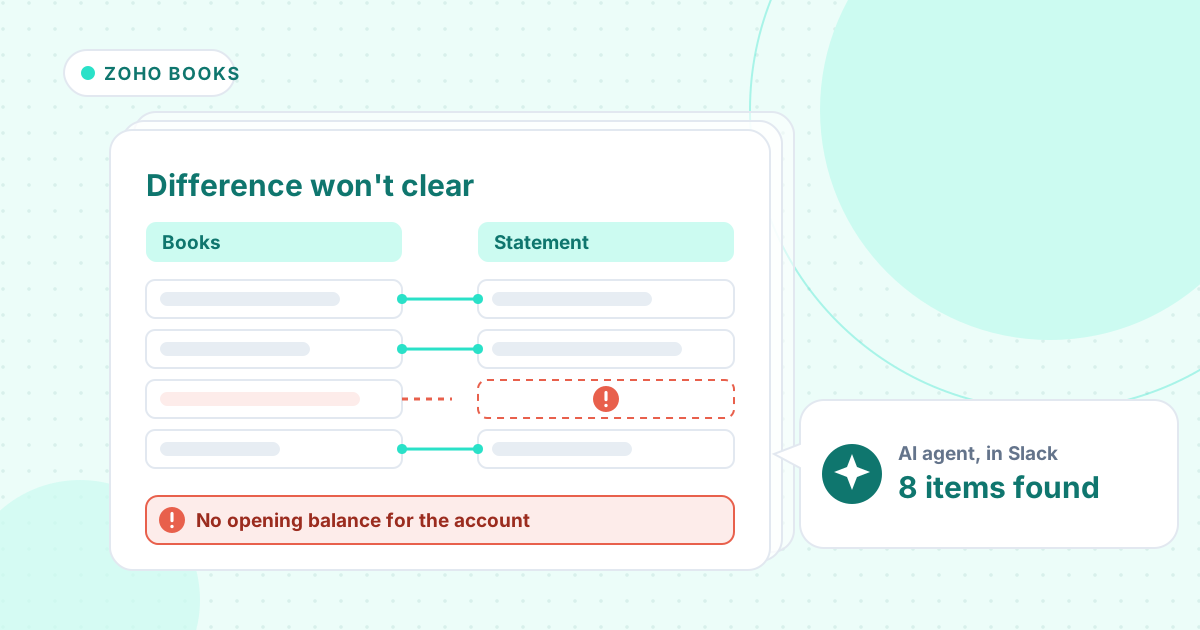
- No opening balance entered for the account after moving to Zoho Books, so the reconciliation starts at zero.
- A manually added vendor payment and the cleared check from the feed both in the books.
- Interest or a bank fee excluded instead of categorized.
- A line from last month ticked in this month's reconciliation. With identical amounts, the difference doesn't show it.
- Checks and deposits that haven't cleared yet ticked as if they had.
How an AI agent does it from Slack
We gave the agent three exports for a made-up HVAC contractor, Pelican Grove Mechanical: the October bank statement, Zoho Books' bank transactions with what was ticked in the saved draft, and the open invoices and bills. Every company, name, tax number and amount in these files is made up. The agent works in Slack, where it shows up as Mnemio AI, because Accountant AI is built on Mnemio AI.
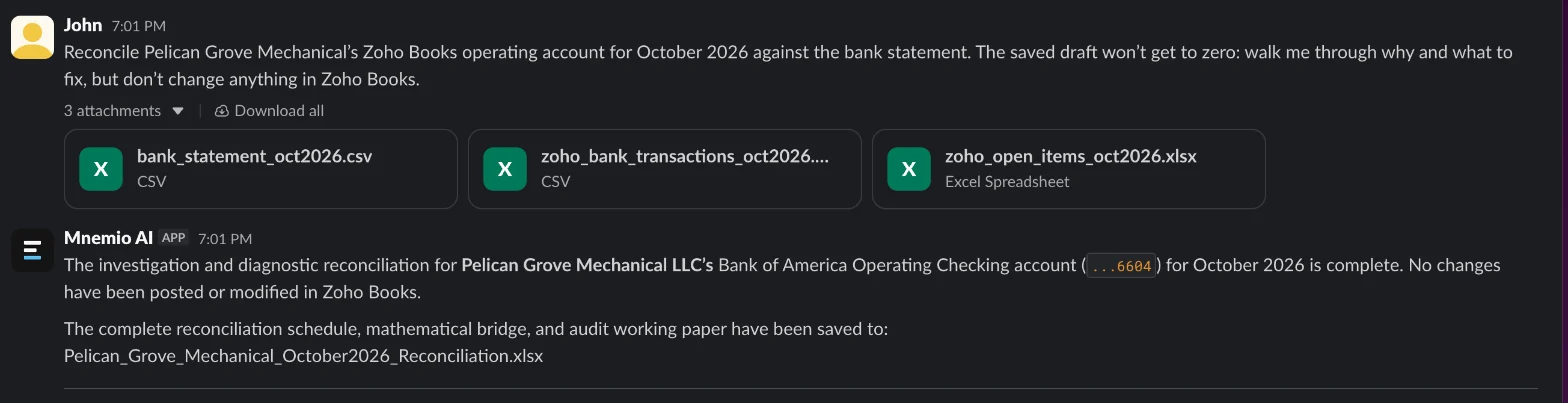
What the agent did
- Read the saved draft and worked out its $41,490.19 difference: the account had no opening balance, so it started at $0.00.
- Found the $37,418.62 opening balance from the bank statement, and told us to enter it as of 30 September, the day before Zoho Books went live.
- Separated the items that hadn't cleared (a $5,280.00 deposit and two checks) from the ones that had but were missing, and matched two uncategorized lines to an open invoice and an open bill.
- Found the duplicate check, the two excluded lines and the September RouteWise charge picked in place of an October one, which the difference alone doesn't show.
- Said at first to exclude the bank line for the duplicate check. Asked whether to match it to the vendor payment instead, it said match, so the bill stays paid.
- Gave the bank reconciliation statement ($30,152.70 at the bank, $31,048.95 in the books) and changed nothing in Zoho Books.
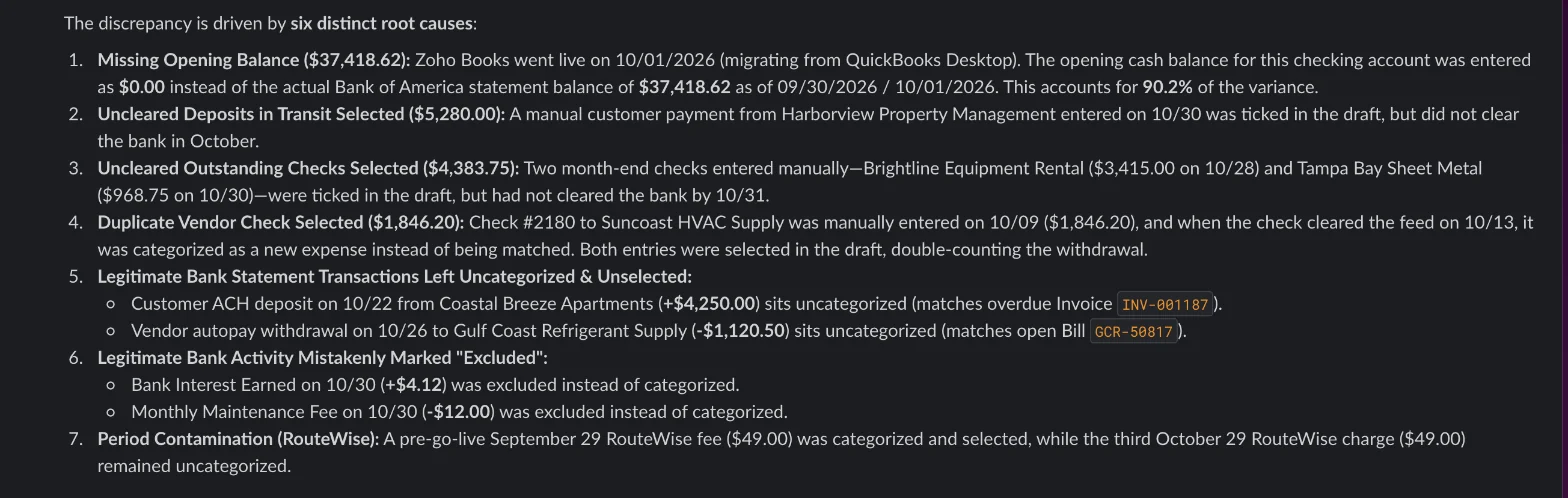
What it found
| Cause | Amount ($) | Fix |
|---|---|---|
| No opening balance for the account | 37,418.62 | Enter it as of 09/30/2026 |
| Deposit ticked but not yet cleared | 5,280.00 | Untick, carry to November |
| Two checks ticked but not yet cleared | 4,383.75 | Untick, carry to November |
| Check 2180 in twice: feed expense and vendor payment | 1,846.20 | Match the bank line to VP-2180 |
| Customer deposit left uncategorized | 4,250.00 | Match to invoice INV-001187 |
| Vendor autopay left uncategorized | 1,120.50 | Match to bill GCR-50817 |
| Interest earned and bank fee excluded | 4.12 and 12.00 | Restore and categorize |
| September $49 charge ticked instead of an October one | 49.00 | Exclude September's, categorize October's |
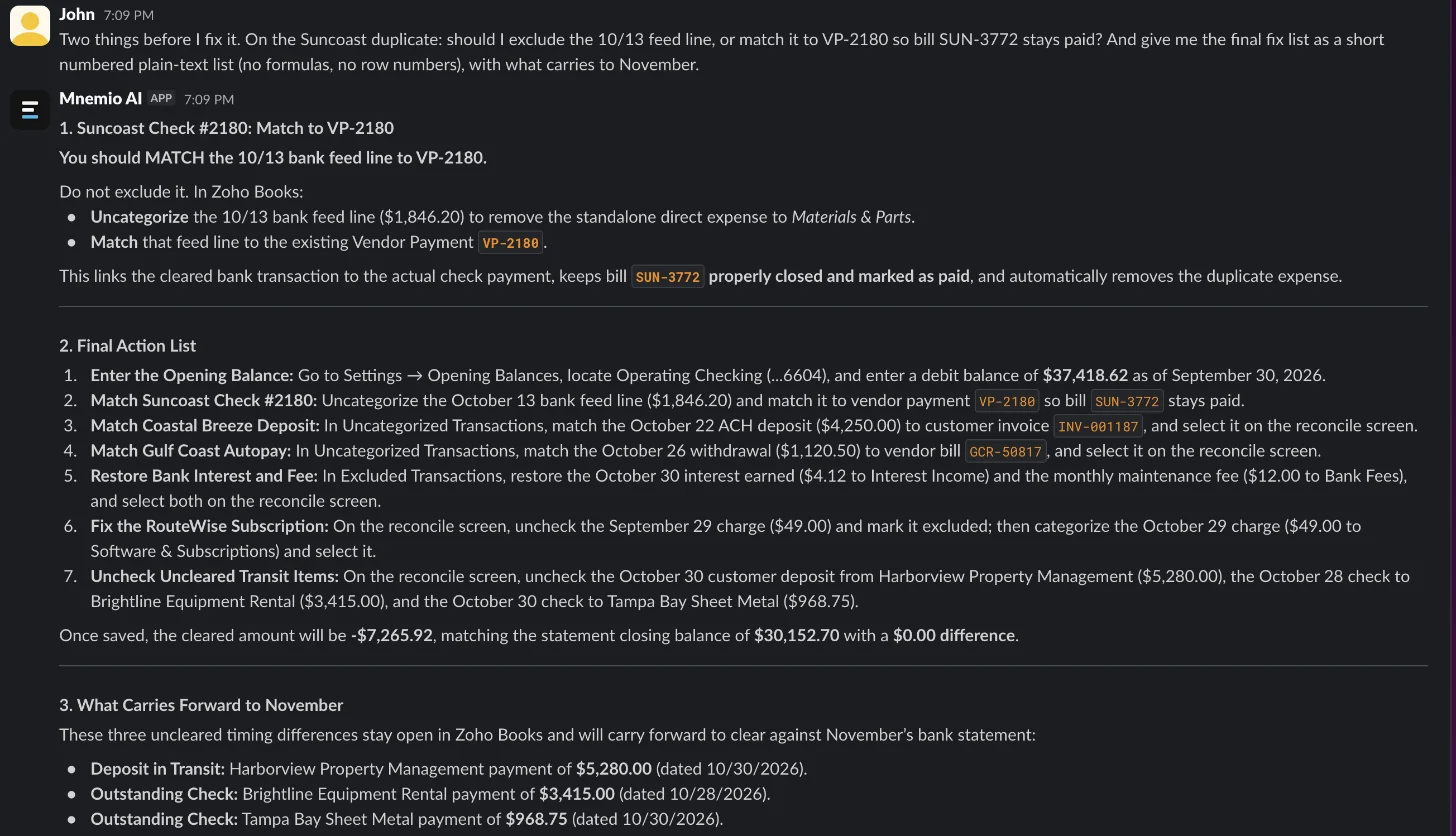
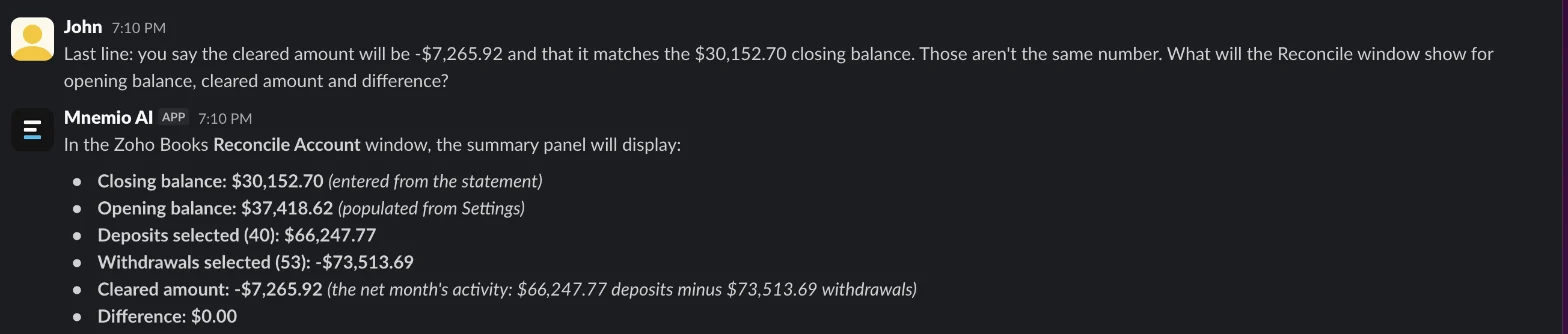
What you still check
- The opening balance against the closing balance in QuickBooks Desktop, the old system, before you enter it.
- That the deposit and the two checks clear on November's statement.
- Each match in Zoho Books before you press Reconcile.
- Bulk categorizing of same-amount charges, so a line from another month isn't picked again.
Questions accountants ask
Why is my Zoho Books reconciliation difference so large?
Often because the account has no opening balance, so the reconciliation starts at zero. Here that was $37,418.62 of a $41,490.19 difference.
Should I exclude or match a duplicate bank line?
Match it to the payment already recorded. Excluding the bank line leaves the payment unlinked to the bank, and deleting the payment instead would reopen the bill.
Can the agent reconcile inside Zoho Books?
Here it worked from exports and changed nothing. It can use a browser, where you sign in yourself, and it asks before it changes anything.
Hand this job to an agent
Bring one of your own files to a 30-minute call and watch an agent do it.
Book a 30-min demo