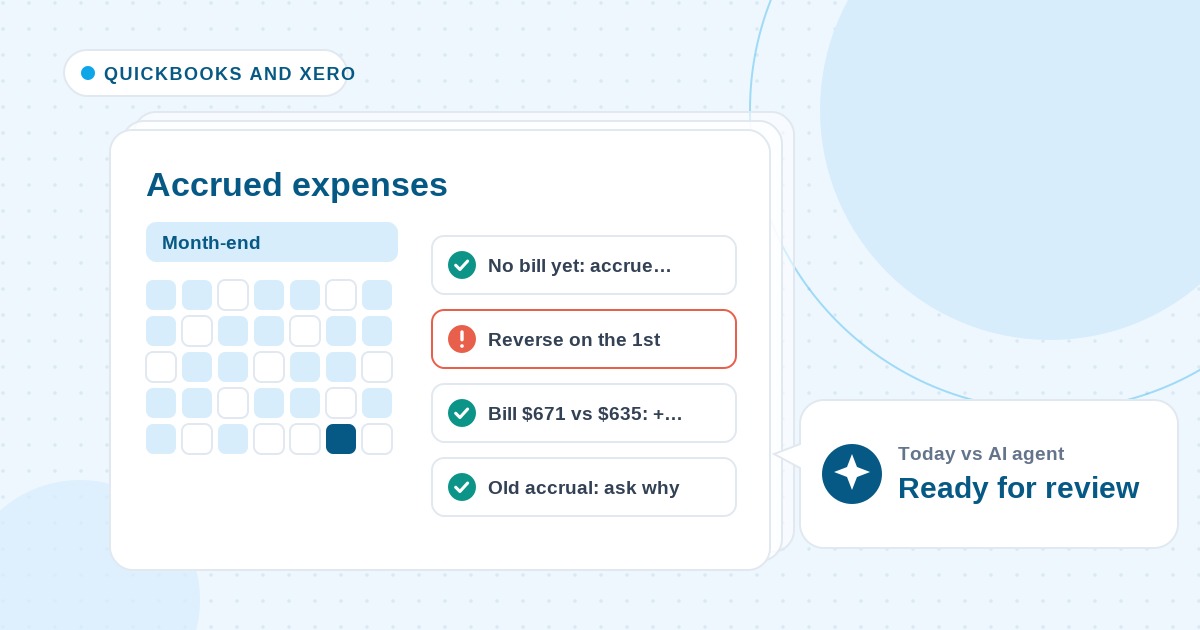
Short answer: Accrued expenses are costs you've incurred but haven't been billed for yet. At month-end, estimate each one, then debit the expense and credit accrued expenses. Reverse the entry on the first day of the next month. When the bill arrives, enter it as usual: the reversal and the bill net to the true-up, the difference between the estimate and the invoice.
A month's expenses are only complete if they include work that's done but not yet billed: the lawyer's hours, the utility bill that arrives on the 20th, the contractor who invoices late. Miss them and the month looks better than it was. Book them without a reversal and the next month counts them twice.
Here is the accrual cycle from a recent tutorial, with the QuickBooks Online and Xero steps it doesn't show, then how an AI agent would find, estimate and true up the accruals each month as part of the month-end close, and what stays with you.
The tutorial this is based on
When to post an expense accrual by The Finance Storyteller, published 25 June 2026. Follows one purchase from order to payment: no entry when the purchase order is raised, an accrual of 30 hours × $50 = $1,500 when the work is done, a reversal when the $1,200 invoice arrives, and the $300 over-accrual corrected in the next open month. It shows no software, so we added the entries in QuickBooks Online and Xero. The checklist of recurring and one-off accruals follows a video from Accounting: Concierge CPA (May 2026).
How do you book accrued expenses at month-end?
- Start from a checklist of recurring accruals: wages for days worked but not yet paid, loan interest, utilities, and any service billed in arrears.
- Then look for one-off costs: legal fees for hours already worked, contractors who invoice late, bonuses earned in the month, goods received with no bill. Ask the people who order things and read the open purchase orders. A purchase order alone isn't an accrual: in the tutorial nothing is booked until the work is done.
- Before you close, check the bills entered after month-end. If a bill for last month's work is already in hand, enter it in the right month instead of accruing it.
- Estimate each one from something you can show: hours × rate, the contract price, or the average of the last three bills.
- Book one journal entry on the last day of the month: debit each expense, credit Accrued expenses, an Other Current Liabilities account. Not accounts payable, which is for bills you've received. Note the support for each line.
- Reverse it on the first day of the next month. In QuickBooks Online, open the saved journal entry and select Reverse: it creates the reversal dated the first of the next month. In Xero, fill in the auto-reversing date on the manual journal when you create it.
- When the bill arrives, enter it as a normal bill to the expense. The reversal and the bill net to the true-up. In the tutorial, a $1,500 accrual and a $1,200 invoice leave a $300 credit in March, which corrects February's over-accrual.
- At the next month-end, the accrued expenses account should hold only the new month's accruals. Tie it to the accrual schedule and clear anything left over.
Accrued expenses: the entries in QuickBooks Online and Xero
| Entry | Debit | Credit | QuickBooks Online | Xero |
|---|---|---|---|---|
| Month-end accrual | Expense | Accrued expenses | Journal entry dated the last day | Manual journal dated the last day |
| Reversal | Accrued expenses | Expense | Open the entry and select Reverse (dated the 1st) | Auto-reversing date set on the journal |
| Bill arrives | Expense | Accounts payable | Bill | Bill |
| Bill paid | Accounts payable | Bank | Pay bills | Payment on the bill |
| No reversal: bill against the accrual | Accrued expenses, difference to the expense | Accounts payable | Bill coded to Accrued expenses | Bill coded to Accrued expenses |
A worked example: October 2026
A made-up Chicago marketing agency closes October with three costs unbilled. Its lawyer worked about 12 hours at $350: $4,200. The October electricity bill comes on November 20; the last three were $612, $655 and $638, so the estimate is their average, $635. The cleaning contract is $900 a month, invoiced in the middle of the next month. The October 31 entry: debit legal fees $4,200, utilities $635 and cleaning $900, credit accrued expenses $5,735.
On November 1 the reversal credits the three expenses $5,735 and clears the liability. In November the bills come in: legal $4,550 (13 hours), electricity $671 and cleaning $900, $6,121 in all, each entered as a normal bill. November's net expense for October's work is $6,121 less $5,735 = $386: $350 on legal, $36 on utilities and nothing on cleaning. October carries $5,735, November $386, and the two together equal the $6,121 billed.
Without the reversal, November would show the full $6,121 on top of October's $5,735, and the balance sheet would still carry a $5,735 liability that nobody is owed.
Where it usually goes wrong
- Booking the accrual to accounts payable. The AP aging then shows a bill that doesn't exist, and someone may pay it.
- No reversal, so next month's bill is expensed on top of the accrual. Or the opposite: a reversal plus the bill coded to the accrual account, which takes it out twice.
- Accruing a cost whose bill is already entered, so the month carries it twice.
- Accruing on a purchase order before anything has been received.
- Treating a prepaid cost as an accrual. Rent paid in advance is a prepaid expense, an asset, not an accrued expense.
- Old accruals that sit in the account for months because the bill went to a different expense or never came.
- Estimates with no support, which nobody can check at review.
How an AI agent does it
Here an AI agent means an assistant that each person on the team gets, used from Slack, WhatsApp or a web app. It has its own files, spreadsheets and a real web browser, reads the exports and PDFs you give it, and writes its working in Excel. It asks before it changes, posts, sends or files anything, and every step is logged. For QuickBooks Online and Xero it works from the reports you export, or in the web app in its browser after you sign in yourself. It can run on a schedule, for example on the second working day of each month. This section describes how it would find, estimate and true up the month's accruals.
What you give it
- Last month's accrual schedule and your list of recurring accruals.
- The bills entered in the first weeks of the new month and the open purchase orders, exported from QuickBooks Online or Xero.
- Timesheets, contracts or emails that support an estimate, such as the lawyer's note of hours.
- The general ledger detail for the accrued expenses account.
What it does
- Carries the recurring accruals forward from last month's schedule and updates any that changed, such as a new contract price.
- Reads the bills entered after month-end and picks out those with a service date or period in the month just closed.
- Checks open purchase orders against receiving records and emails for work that's done with no bill.
- Works out each estimate and writes down the basis: hours × rate, the contract amount, or the three-month average.
- Drafts the month-end journal entry with a reversal on the first day of the next month, and a support column for each line.
- The next month, matches each bill to its accrual and lists the true-up differences. An accrual still with no bill after a month goes on a list to ask about.
- Ties the accrued expenses account to the schedule and flags anything left over.
What it hands back
- The accrual schedule workbook: item, vendor, basis, amount, support and reversal date.
- The draft journal entry, for you to approve before it's entered.
- A true-up list for last month's accruals: the estimate, the actual bill and the difference.
- Questions it can't answer from the files, such as how many hours a contractor worked, drafted for you to send to the manager.
What it leaves to you
- Post the journal entry or the reversal in QuickBooks Online or Xero without your yes.
- Make up an estimate with no basis. If it can't find one, it asks.
- Decide what's material enough to accrue. It uses the threshold you set for the client and remembers it.
- Contact vendors or managers without your approval.
Today vs with an AI agent
| Step | Today | With an AI agent |
|---|---|---|
| Gathering the inputs | Open last month's accruals, scan new bills and purchase orders, email managers about unbilled work. | You give it last month's schedule, the new bills, the open purchase orders and the support you have. |
| The working | Estimate each accrual in a spreadsheet, then key the journal entry and the reversal. | It carries recurring items forward, estimates the new ones with their basis and drafts the entry. |
| The cross-checks | Check new bills against the accruals and tie the account to the schedule. | It matches each bill to its accrual, lists the true-ups and ties the account to the schedule. |
| Exceptions | Accruals with no bill and bills with no accrual, found when the balance looks wrong. | It lists old accruals with no bill, and last month's bills that weren't accrued. |
| The output | A journal entry and its reversal in QuickBooks Online or Xero. | A schedule workbook and a draft entry with the reversal date, entered only after you approve. |
| The review | The controller checks the estimates and the support. | You check each estimate's basis and the true-up list. |
| Who signs off | The accountant who posts the entry. | You. You approve the entry and the reversal before anything is posted. |
What you still check
- Each estimate's basis, and whether it's still the best one you have.
- What's material enough to accrue for this client.
- Accruals that have sat for more than a month. Find out whether the work was billed to another account or isn't owed at all.
- That the reversal posted, and that no bill was also coded to the accrual account.
- The draft entry before it's posted, and the accrued expenses line in your balance sheet reconciliation.
Questions accountants ask
What is the difference between accrued expenses and accounts payable?
Both are liabilities for costs you owe. Accounts payable is for bills you've received and entered. Accrued expenses are for costs incurred where the bill hasn't come yet, so the amount is an estimate.
Are accrued expenses a debit or a credit?
The accrual debits the expense and credits accrued expenses, a liability, so the account carries a credit balance. The reversal does the opposite on the first day of the next month.
What are examples of accrued expenses?
Wages earned but not yet paid, interest on a loan, utilities used but not yet billed, legal or consulting hours already worked, and bonuses earned in the period.
What is the difference between accrued and prepaid expenses?
An accrued expense is used before you're billed or pay, so it's a liability. A prepaid expense is paid before you use it, such as a year of insurance paid upfront, so it's an asset you expense month by month.
How does a reversing accrual journal entry work?
The reversal takes the estimate out on the first day of the next month. The bill then goes in at the real amount as usual, so only the difference lands in the new month.
Does the agent post the accruals?
Not without your yes. It drafts the entry and the schedule. After you approve, it can enter them in QuickBooks Online or Xero in its browser once you've signed in.
Hand this job to an agent
Bring one of your own files to a 30-minute call and watch an agent do this job.
Book a 30-min demo