Short answer: Form 16 is the salary TDS certificate. Part A shows the TDS deducted and deposited each quarter; Part B shows the salary and tax working. Both are downloaded from TRACES, and Part B is built from Annexure II of the Q4 Form 24Q, so mistakes there carry into it. FY 2025-26 certificates were due by 15 June 2026. From tax year 2026-27 the certificate is Form 130.
Form 16 looks like a download, but it is only as good as the Q4 salary return behind it. Part B is generated from what the employer reported in Annexure II, so a wrong exemption or a missed previous employer turns up in the employee's certificate, and then in their return.
This post follows a recent tutorial that downloads Form 16 from the new TRACES screens for FY 2025-26, adds how Part B is prepared from payroll, and explains Form 130, which replaces Form 16 from tax year 2026-27. Then it explains how an AI agent would check the certificates before they go out.
The tutorial this is based on
Form 16 Traces 2.0 से Download कैसे करें? | How to Download Form 16 From Traces 2.0 Portal by Maurya AFT Classes, published 26 May 2026 (in Hindi). He downloads Form 16 for FY 2025-26 from TRACES 2.0 as the deductor and opens the files with the TRACES PDF Generation Utility. That certificate is under the Income-tax Act 1961, which is right for that year. We added how Part B is built from Annexure II, following Tax guide nilesh's Annexure II walkthrough (May 2026, in Hindi), and what changes with Form 130.
How do you prepare and download Form 16?
- Get Annexure II right first. In the Q4 Form 24Q for FY 2025-26 it has one row per employee for the whole year: regime, gross salary, exempt allowances, deductions, tax, cess, TDS deducted and any previous employer's TDS. The shortfall column should come to zero.
- Fill in the PANs it asks for: the landlord's PAN where HRA is over ₹1 lakh, and the lender's PAN and name for home-loan interest.
- Log in to TRACES as the deductor with the TAN. The new portal shows FY 2025-26 under the Income Tax Act 1961.
- Go to Downloads, Form 16, choose FY 2025-26, and request one PAN or a bulk list of PANs.
- Pass the KYC check: the token number of the Q4 24Q (from View Filed Forms on the e-filing portal), one challan's BSR code, date, serial number and amount from the payment history, and up to three PANs with the TDS reported for each.
- Submit the request and wait under Requested Downloads. The tutorial says it can take 24 to 48 hours for a large staff.
- Download the Part A and Part B zip files and open them with the TRACES PDF Generation Utility, which needs Java. Run it once for Part A and once for Part B; the tutorial uses the TAN as the password.
- Check a sample against payroll, then sign and issue the certificates. FY 2025-26 certificates were due by 15 June 2026. The monthly working for 2026-27 is in TDS on salary calculation.
Form 16 or Form 130: which form for which year
| Item | FY 2025-26 (Income-tax Act 1961) | Tax year 2026-27 (Income-tax Act 2025) |
|---|---|---|
| TDS on salary | Section 192 | Section 392 |
| Salary TDS certificate | Form 16, Part A and Part B | Form 130 |
| Non-salary TDS certificate | Form 16A | Form 131 |
| Quarterly salary return | Form 24Q | Form 138 |
| Previous employer's salary details | Form 12B | Form 122 |
| Employee's claims and evidence | Form 12BB | Form 124 |
| Tax credit statement | Form 26AS | Form 168 |
| Certificate issued | By 15 June 2026 | In 2027, after the tax year ends |
Where it usually goes wrong
- A previous employer's salary and TDS left out of Annexure II, so Part B shows too little income and the employee faces a demand later.
- The regime in Annexure II not matching what the employee chose, so Part B shows deductions they can't claim.
- Part A downloaded before a late challan or a correction was processed, so it shows TDS as unmatched.
- A PAN typo. The TDS lands in someone else's Form 26AS and the employee's certificate is wrong.
- Issuing certificates generated before a Q4 correction. After a correction is processed, download Form 16 again.
- Calling the 2026-27 certificate Form 16. From tax year 2026-27 it is Form 130, issued under section 395(4) (it was 203).
How an AI agent does it
Each person on the team gets their own AI agent, used from Slack, WhatsApp or a web app. It has its own files, spreadsheets and a real web browser: it reads the Excel, CSV, PDF and Tally exports you give it and writes its working in Excel. On a portal you sign in yourself, in its browser window, with your own password and OTP. It asks before it changes, sends, files or pays anything, and every step is logged. This section describes how it would check Form 16 before it goes to employees. It can be wrong, so the last sections say what you still check.
What you give it
- The payroll register for April 2025 to March 2026, exported in Excel
- Annexure II of the Q4 Form 24Q as filed, from your RPU working
- Employees' declarations and Form 12B from mid-year joiners
- The Part A and Part B files from TRACES, or access in its browser after you sign in
What it does
- Rebuilds each employee's year from the payroll register: gross salary, exemptions, deductions, regime and the TDS deducted each month.
- Compares that, field by field, with Annexure II, and flags any difference before Form 16 is requested.
- Checks the PANs: the landlord's for HRA over ₹1 lakh, the lender's for home-loan interest, and each employee's against the payroll master.
- After you sign in to TRACES in its browser, fills the Form 16 request and the KYC page from the token and challan details, and asks before it submits.
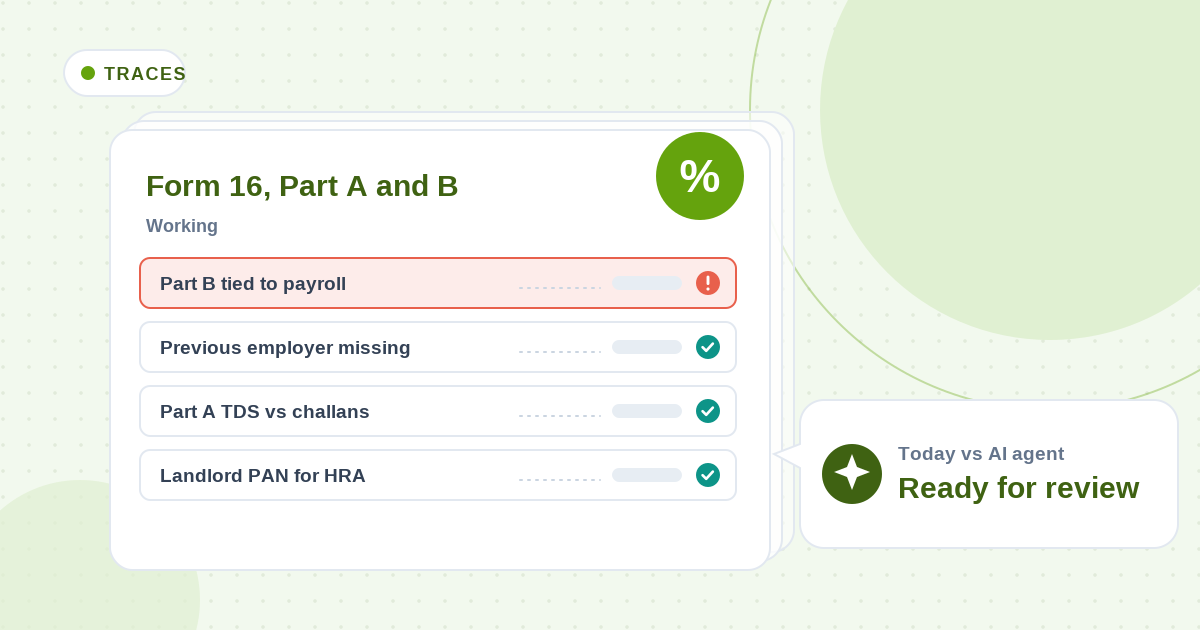
- Reads the Part A and Part B PDFs your team generates, and ties Part A's quarterly TDS to the challans and Part B to its own working.
- Lists employees whose Part B differs from payroll, and drafts a covering email for each employee.
What it hands back
- A workbook with one row per employee: payroll, Annexure II and Part B side by side
- An exceptions list: PAN problems, regime mismatches, missing previous-employer income, unmatched TDS in Part A
- A list of corrections for the Q4 24Q, if any are needed
- Draft covering emails to employees, held until you approve them
What it leaves to you
- Sign the certificates. The person responsible for deduction signs them.
- File a correction to the 24Q.
- Send Form 16 to employees without your approval.
- Decide a disputed exemption, such as an HRA claim with a doubtful rent receipt.
Today vs with an AI agent
| Step | Today | With an AI agent |
|---|---|---|
| Gathering the inputs | You find the filed 24Q, the challan details and the payroll register, then log in to TRACES. | You give it payroll, Annexure II and the declarations, and sign in to TRACES in its browser. |
| The working | Someone checks a few employees' Part B against payroll before issuing. | It compares every employee's Part B field by field with payroll and Annexure II. |
| The cross-checks | Part A TDS checked against challans when something looks wrong. | It ties each quarter's Part A TDS to the challans and the payroll TDS. |
| Exceptions | Found when an employee complains or gets a mismatch notice. | It lists PAN errors, regime mismatches and missing previous-employer income before issue. |
| The output | Signed PDFs emailed to employees. | A checking workbook, a corrections list and draft emails. Your team signs and sends. |
| The review | A senior spot-checks a few certificates. | You review every flagged employee and the corrections list. |
| Who signs off | The person responsible for deduction signs Form 16. | The same person signs. It sends nothing without approval. |
What you still check
- Each flagged employee, before anything is corrected. Some differences are timing, such as arrears paid in April.
- Whether a mismatch needs a 24Q correction or only a note to the employee.
- The regime each employee chose, against their declaration.
- Disputed exemptions and deductions. The agent checks the figures, not whether a claim is valid.
- The certificates before signing: name, PAN, TAN and the year.
Questions accountants ask
How do I download Form 16 from TRACES?
Log in as the deductor, go to Downloads, Form 16, pick the year and the PANs, and pass the KYC check with the Q4 24Q token and one challan's details. Download the zip files from Requested Downloads and open them with the TRACES PDF Generation Utility.
What is the new name of Form 16?
From tax year 2026-27 the salary TDS certificate is Form 130, issued under section 395 of the Income-tax Act 2025. Form 16 still applies to FY 2025-26 and earlier years.
Form 130 vs Form 16: what changes?
The form number and the Act. Form 130 covers TDS on salary under section 392 (it was 192), and also TDS on pension or interest of specified senior citizens under section 393(1). The return behind it is Form 138 (it was 24Q), and the first Form 130s are issued in 2027.
What is the password for the Form 16 files?
In the tutorial, the TRACES zip files open in the PDF Generation Utility with the deductor's TAN as the password.
Is there a Form 16 Part B format in Excel?
Many firms keep the Part B working in Excel, one row per employee with the same fields as Annexure II. Tie it to the Part B that TRACES generates before you issue anything.
Does the agent sign or send Form 16?
No. It checks the certificates and drafts the emails. The person responsible signs, and nothing goes to employees until you approve it.
Hand this job to an agent
Bring one of your own files to a 30-minute call and watch an agent do this job.
Book a 30-min demo